


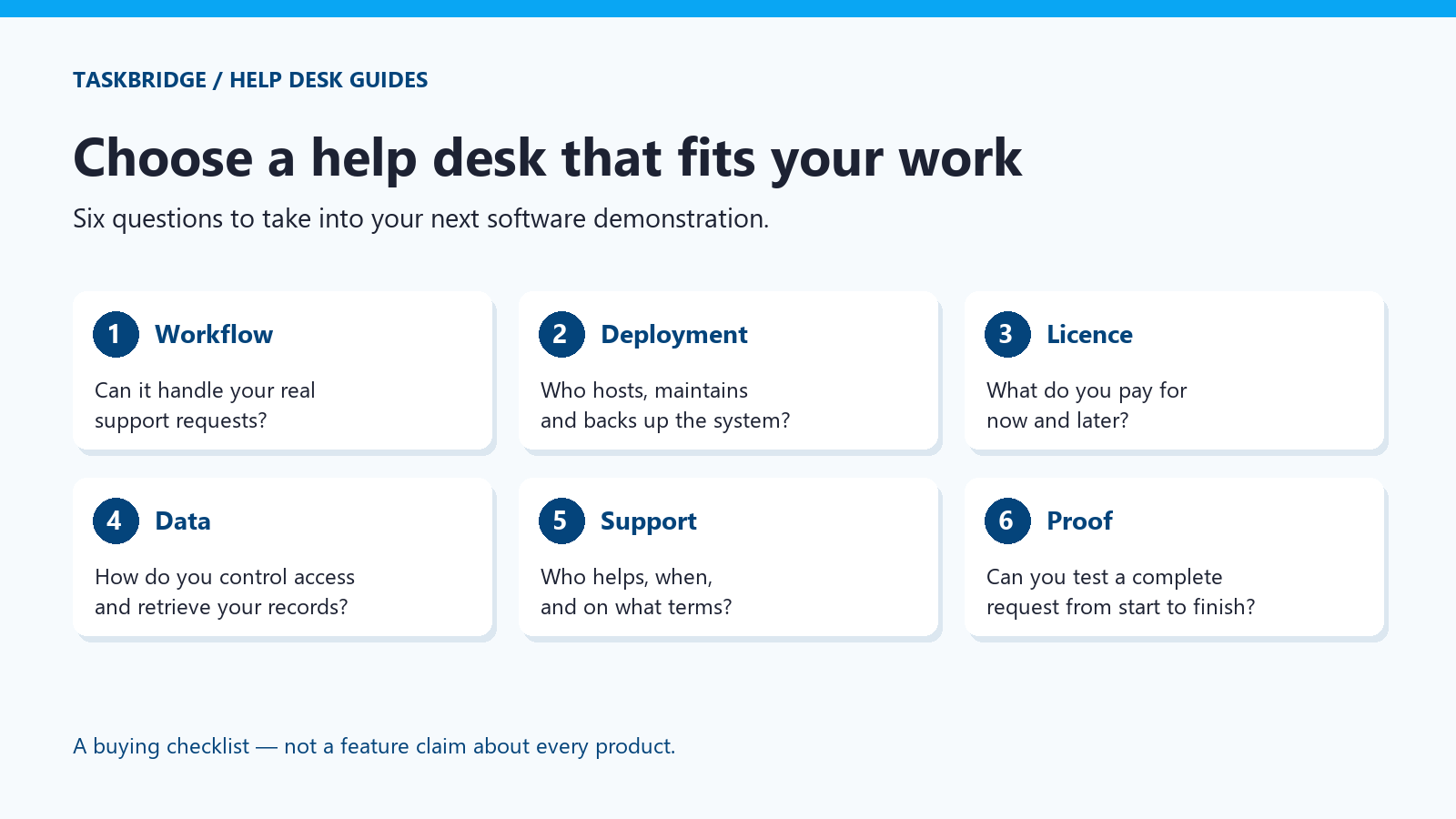
Help desk solutions should make support work easier to follow: who asked for help, who owns the request, what is waiting and what was done. The right choice depends on the work your team handles and the responsibilities your organisation is prepared to take on.
A longer feature list is not automatically a better fit. Before comparing products, write down your essential workflow, deployment requirements and commercial constraints. This guide gives you a practical shortlist checklist and a set of tests to take into a software demonstration.
Start with the requests you actually receive
Take a small, representative sample of recent support requests. Include an ordinary question, an issue affecting several people, a request that needs approval and one that took longer because information was missing. Remove personal or confidential details before sharing examples with a vendor.
For each request, identify the intake channel, the people involved, the information needed and the point at which you considered the work complete. This reveals requirements more reliably than choosing software from a generic feature comparison.
If the basic workflow is still unclear, start with our help desk ticket example and workflow. Software can support an agreed process; it cannot decide who should own your work.
Define the scope before you compare help desk solutions
A focused help desk manages support requests. A wider IT service management platform may also connect those requests to change, problem, asset and service-catalogue processes. Those are different scopes, with different implementation and administration demands.
Write down what you need now, what is likely to matter later and what you do not need. Ask whether a capability is included, requires another module or depends on custom work. Our help desk vs service desk comparison explains that boundary without assuming the larger platform is always the right answer.
A practical shortlist checklist
| Decision | Questions to answer before buying |
|---|---|
| Request handling | Can staff submit requests through the channels you use? How are replies, ownership and status kept together? |
| Deployment | Will the vendor host the system, or will your team operate it? Who handles updates, backups and recovery? |
| Access and identity | Can you give people the access they need without exposing unrelated tickets? Which identity options are actually supported? |
| Licensing and cost | What triggers an additional charge: users, agents, modules, support, storage or upgrades? What happens if you stop paying? |
| Data and exit | Can you retrieve the records you need in a usable format? What is included in the export, and who can perform it? |
| Support | What help is available, when is it available, and what response commitments are written into the agreement? |
| Implementation | Who sets up email, permissions, categories and existing data? Which parts of the work are included in the quote? |
Use these questions as checks, not assumptions about any vendor. For a must-have requirement, ask to see the actual behaviour or obtain a clear written answer. Put unresolved items next to the price rather than leaving them in a separate email thread.
Choose a deployment model you can operate
Vendor-hosted software
A vendor-hosted service can suit a team that wants someone else to operate the application infrastructure. Check the service terms, available data locations, backup arrangements, access controls and exit options. Hosting the application for you does not remove your responsibility for user access and appropriate use of the data.
Software on your own infrastructure
Self-hosting can suit an organisation that needs direct control over where the system runs. That control comes with operational work: maintaining the host, planning backups, testing restoration and applying appropriate updates. Assign those responsibilities before purchase.
The choice is not simply “control versus convenience”. It is a decision about who does which work and whether that arrangement fits your organisation. Read our SaaS and self-hosted help desk comparison for the deployment trade-offs.
Compare the cost over the period you expect to use it
Use the same assumptions for every option: your expected number of agents, required modules and intended years of use. Include implementation, hosting, administration, support and any upgrade costs that apply. A one-time software licence does not make infrastructure or staff time free.
For subscriptions, ask how the price changes as the team grows and what access remains when the subscription ends. For perpetual or one-time licences, check exactly what ongoing use is permitted, what updates are included and which services are optional. Compare the contract rather than the label on the pricing page.
Use five tests in the demonstration
- Start with a real request. Submit a sanitised example through your usual intake channel and follow it into the queue.
- Continue the conversation. Reply as the requester and as an agent. Check what each person can see and where the history is kept.
- Hand over the work. Change the responsible person and confirm that the context remains available.
- Test access boundaries. Ask the demonstrator to show what different roles can and cannot see. Do not accept a settings screenshot as proof of the complete behaviour.
- Finish and retrieve the record. Resolve the request, find it again and ask how the information can be retrieved for your operational needs.
Record each outcome as demonstrated, confirmed in writing or still unverified. This gives you a short decision record to review with colleagues and prevents a polished presentation from hiding a missing requirement.
Where TaskBridge belongs on the shortlist
TaskBridge is self-hosted help desk and ticketing software delivered in a Docker container. It supports email and portal workflows and includes full source code under a commercial internal-use licence. It is proprietary, source-available software, not an open-source project.
Its commercial model is a one-time licence, with support available on request and optional upgrades. This can suit organisations that want the application on customer-controlled infrastructure and prefer to decide separately when they purchase additional help or upgrades. See current TaskBridge pricing and licence information for the terms.
It is not the right fit if you require the vendor to host the application for you, need a free open-source licence, or expect a full enterprise ITSM platform. If a particular integration, migration route or workflow is essential, bring it to the demonstration so we can establish the fit before you commit.
Our IT ticketing system page explains the product’s support-workflow focus. The purpose of this checklist is to help you evaluate that fit, not to make every requirement point towards TaskBridge.
Bring your requirements to a TaskBridge demo
Tell us how your support team works, where you need the software to run and which requirements are non-negotiable. Request a demo to discuss the fit, or browse Help Desk Guides for related explanations.